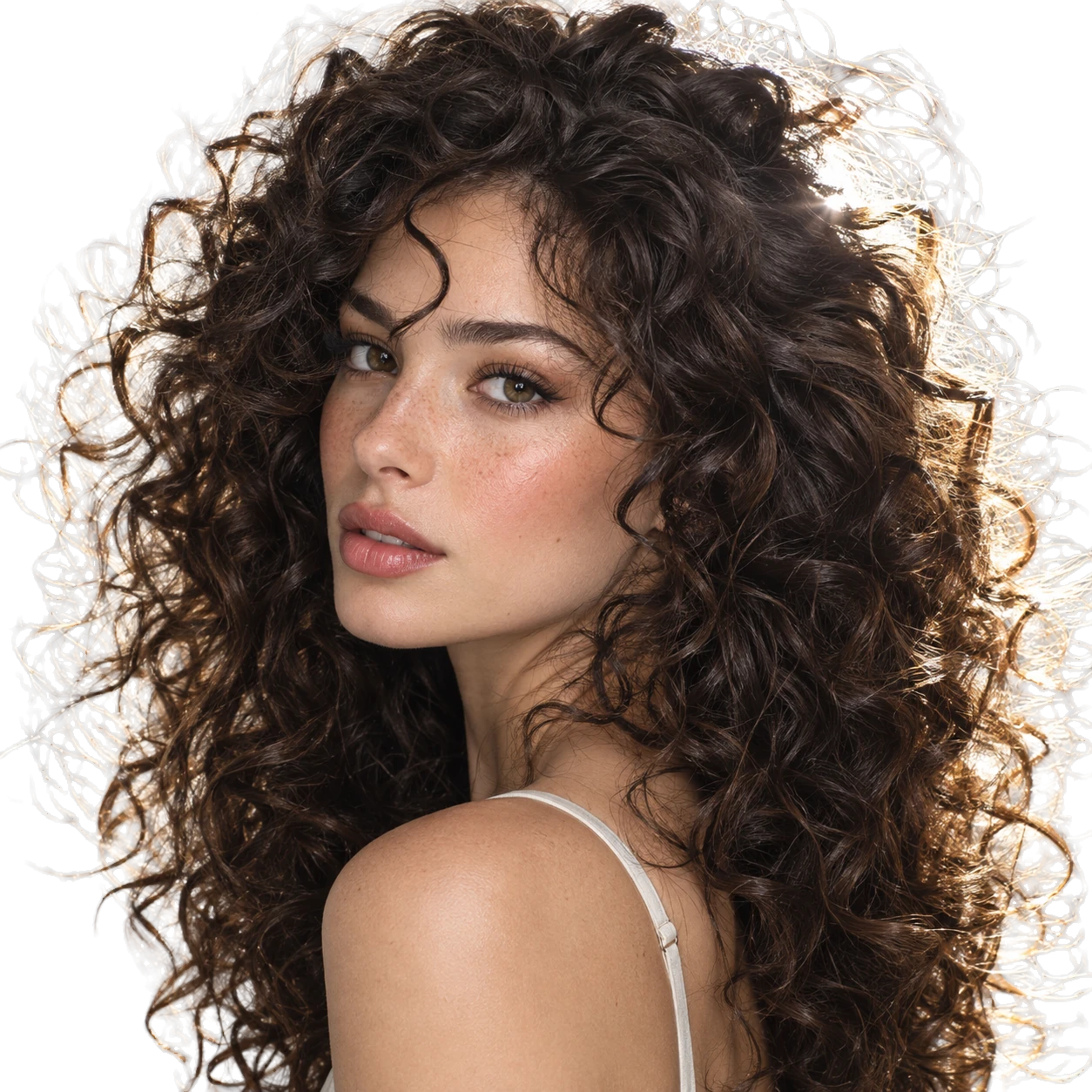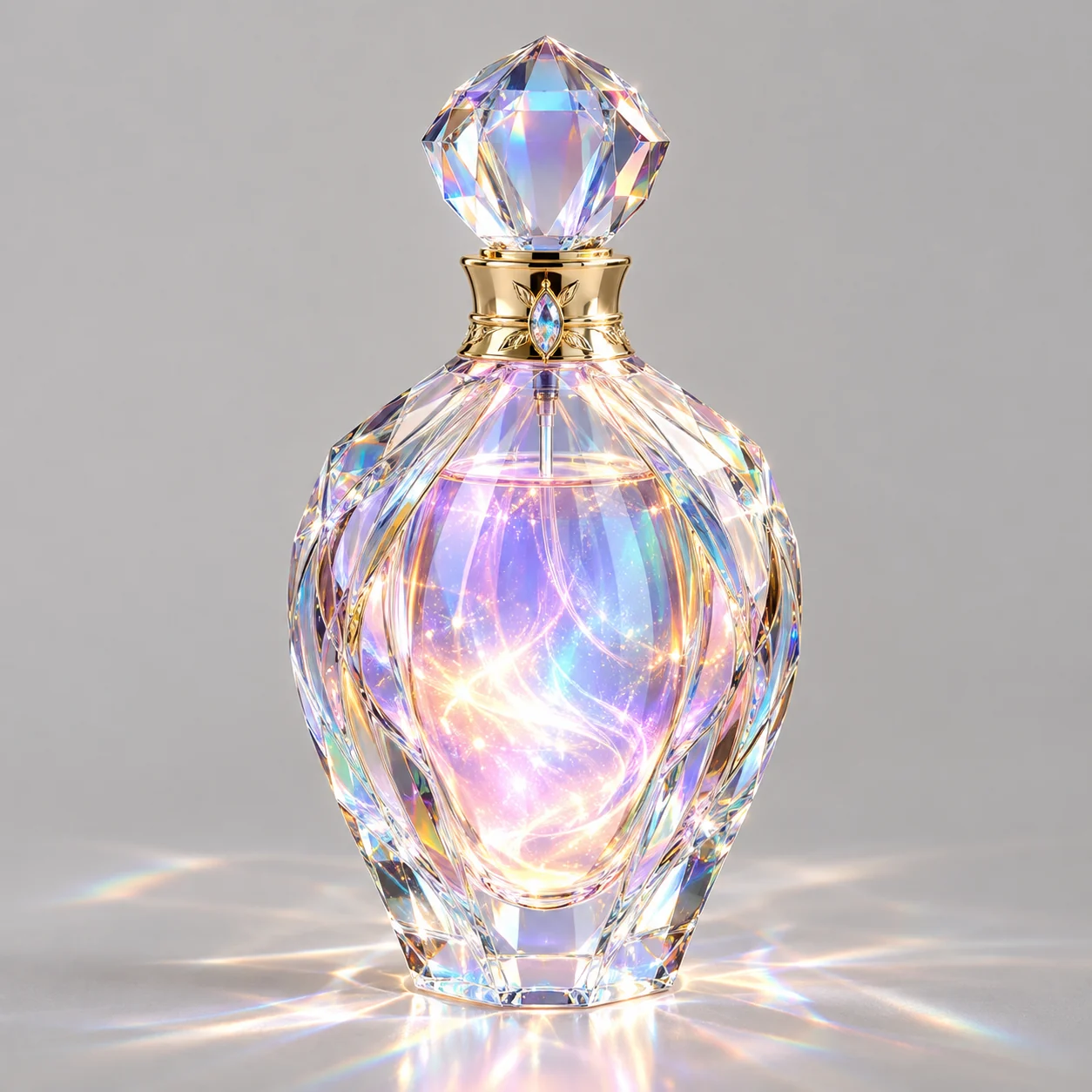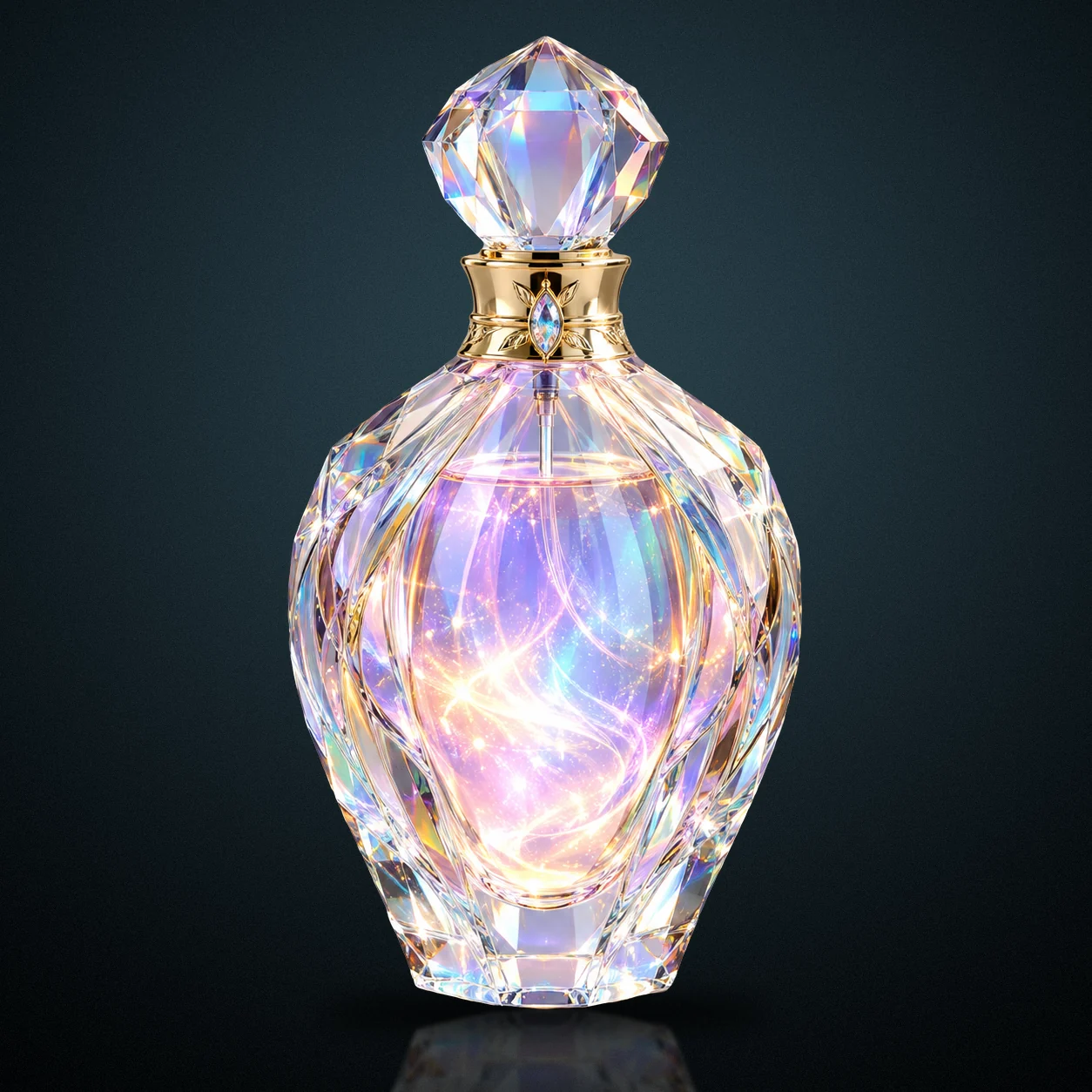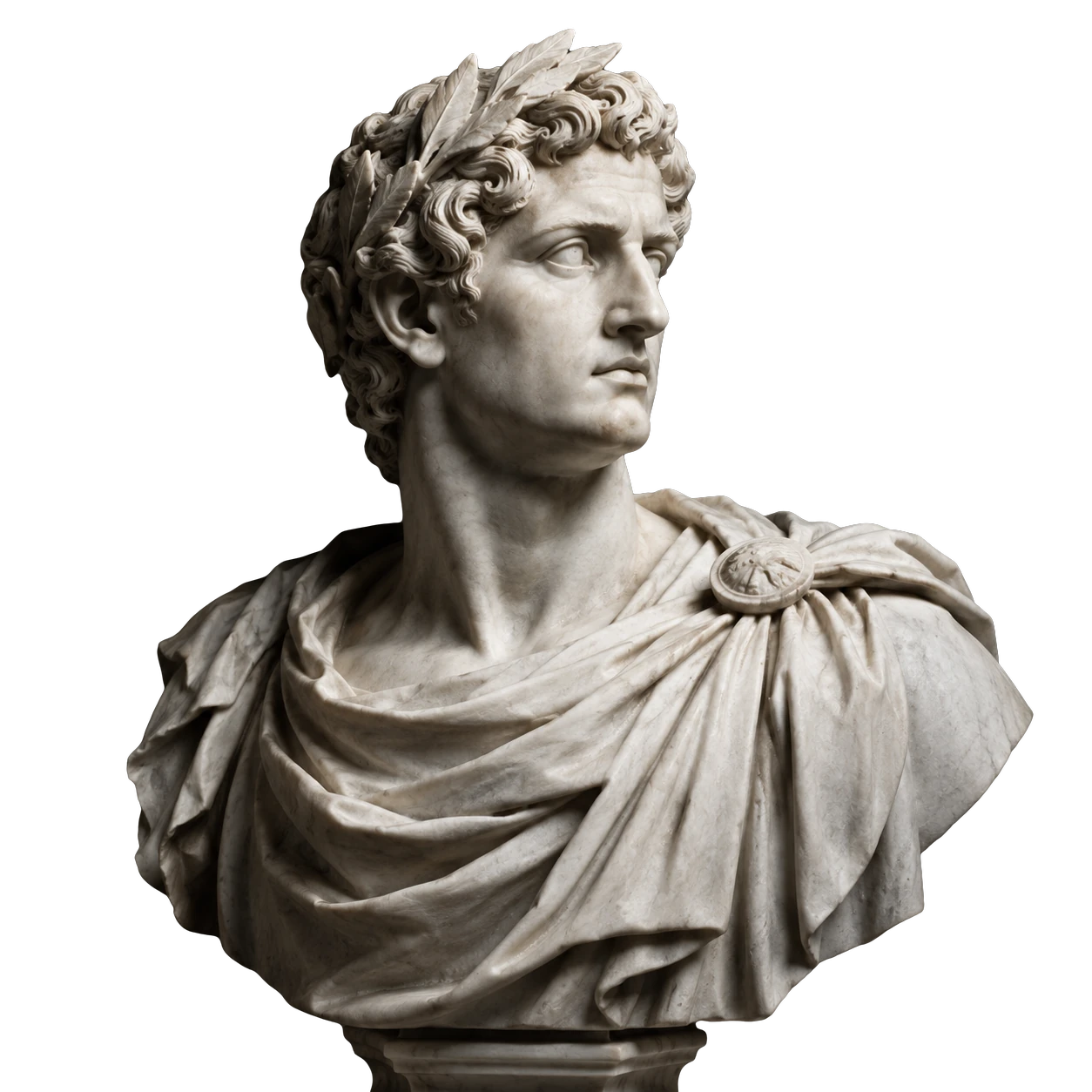



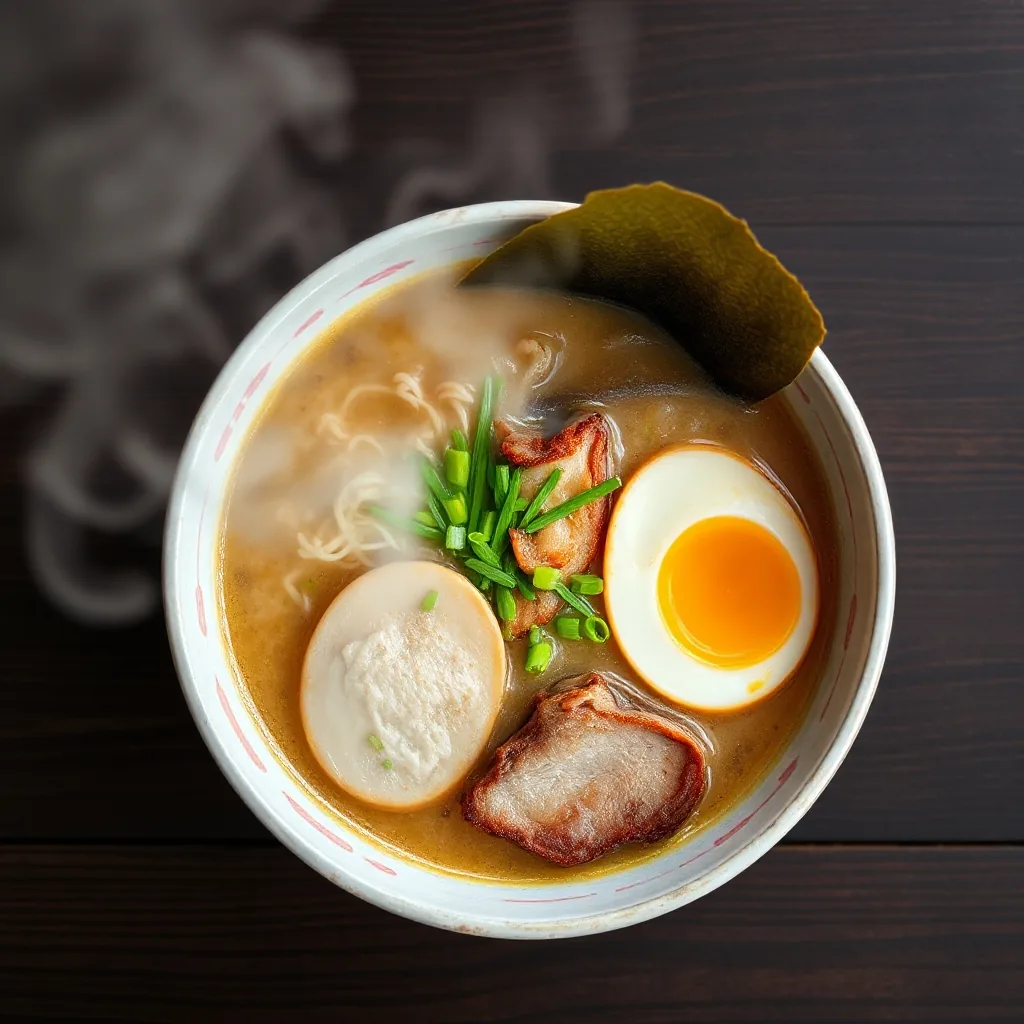
High-quality AI image generation

Create with AI.
Keep exploring.

Turn your ideas into detailed images, posters and product visuals. Affordable credits give you room to try another direction, then edit and export in the same workspace.

Explore examples

Try advanced models with your sign-up credits. Nothing to install.

Generate first. Make it yours.

Explore an idea, compare versions and finish the details. Image generation, cutouts and editing stay together in one workspace.

Generate

One idea. More ways to imagine it.

Create product visuals, posters or illustrations with the model and aspect ratio that fit your idea. Check the credit cost before generating, then refine the result without switching tools.

  • Choose a model for a quick draft or a detailed image
  • Try variations and compare saved versions
  • Add text, adjust color and export in the same workspace

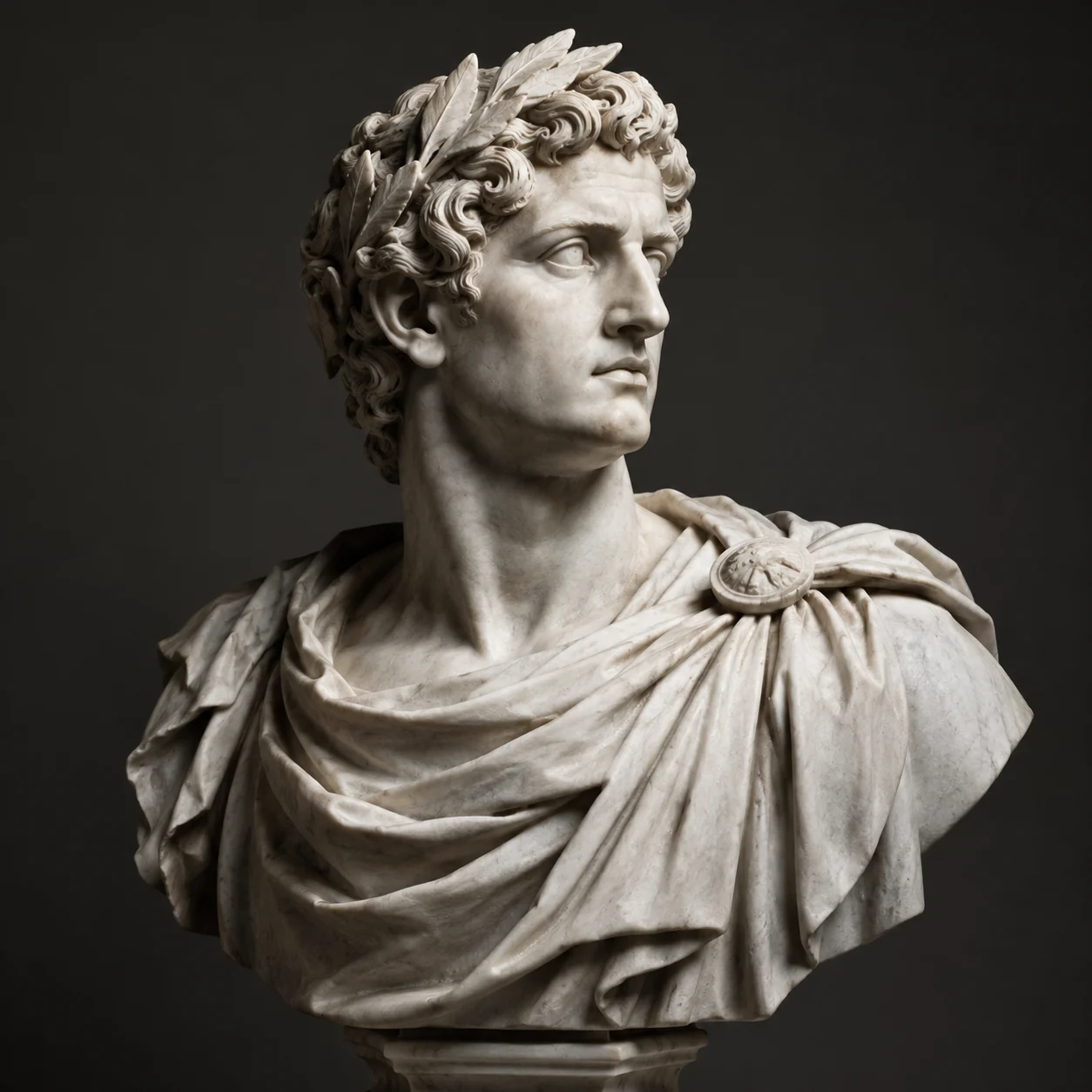
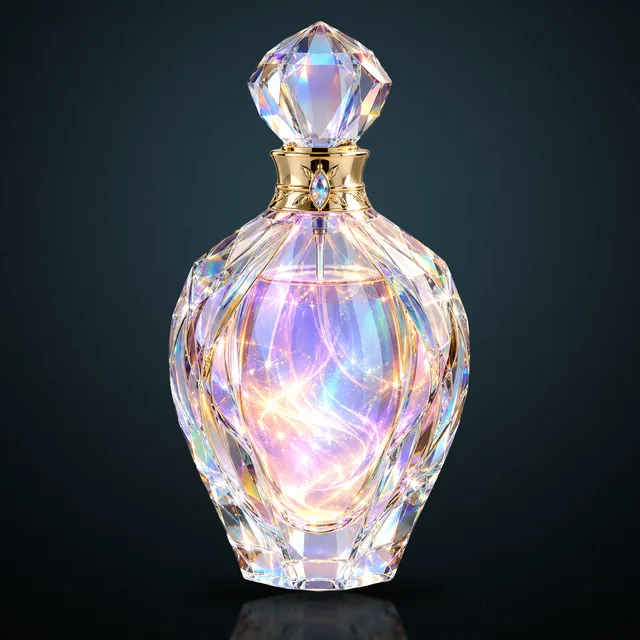
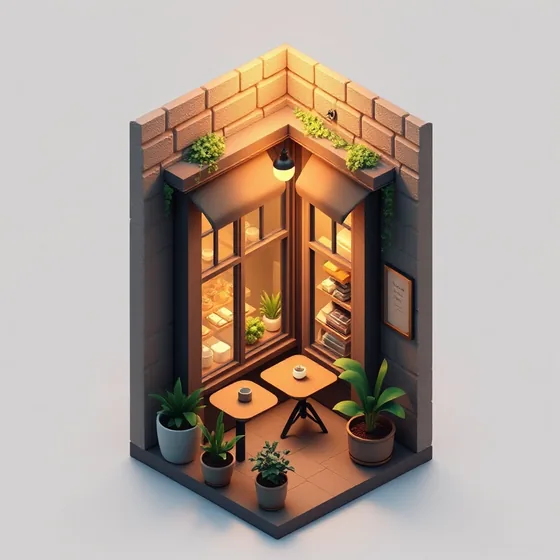
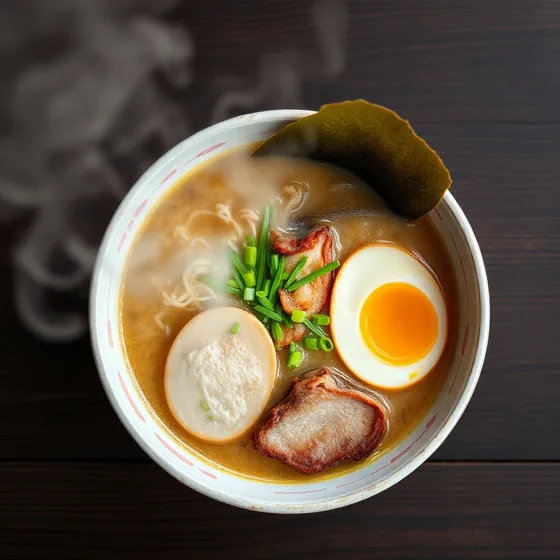
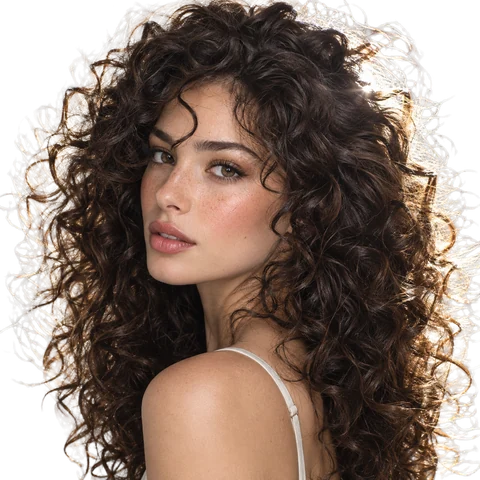
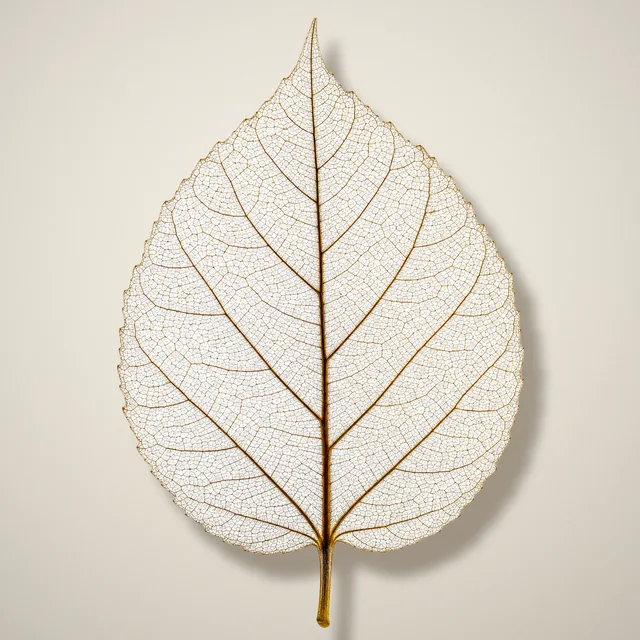
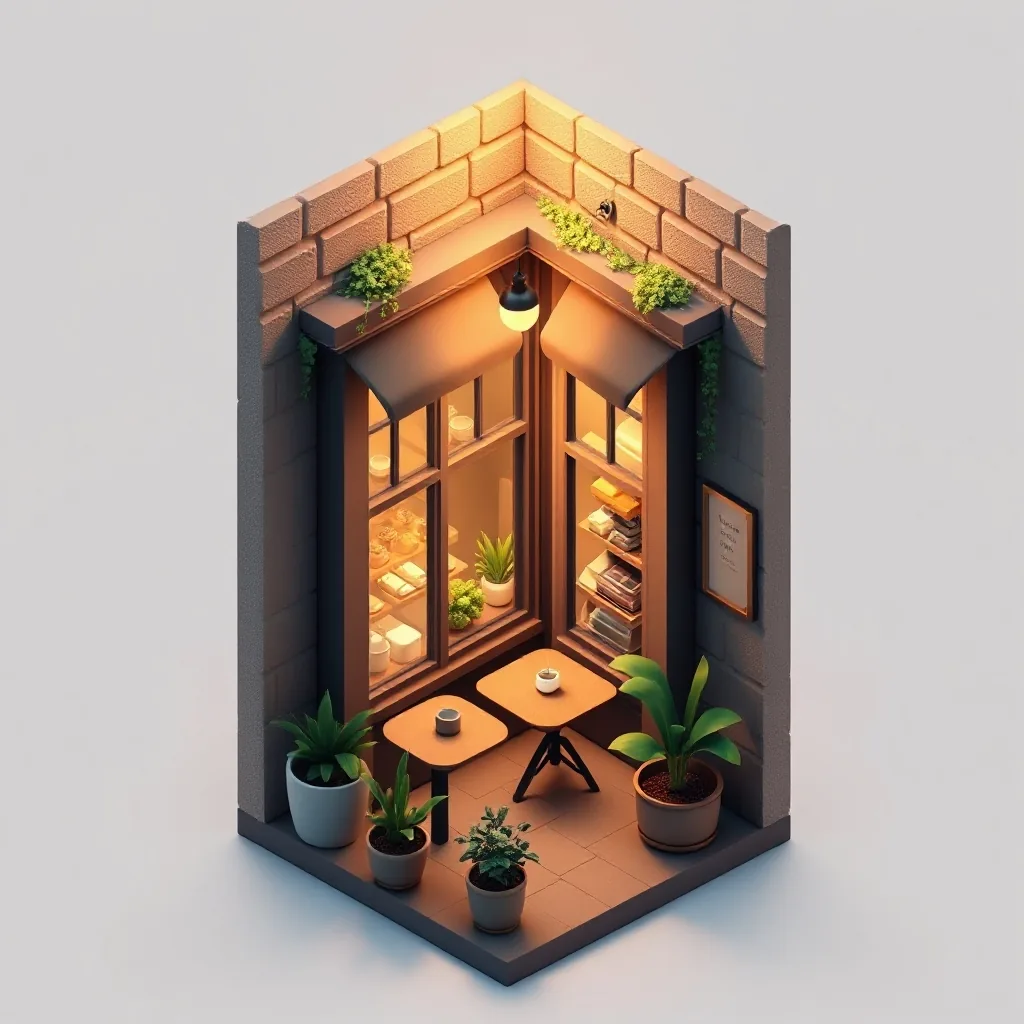
AI-generated examples. Prompts shown are summaries; results vary.

Browse prompt examples

AI image generation cost AI poster text prompts FLUX vs GPT Image models Cover and social prompts Edit text and lighting after AI generation

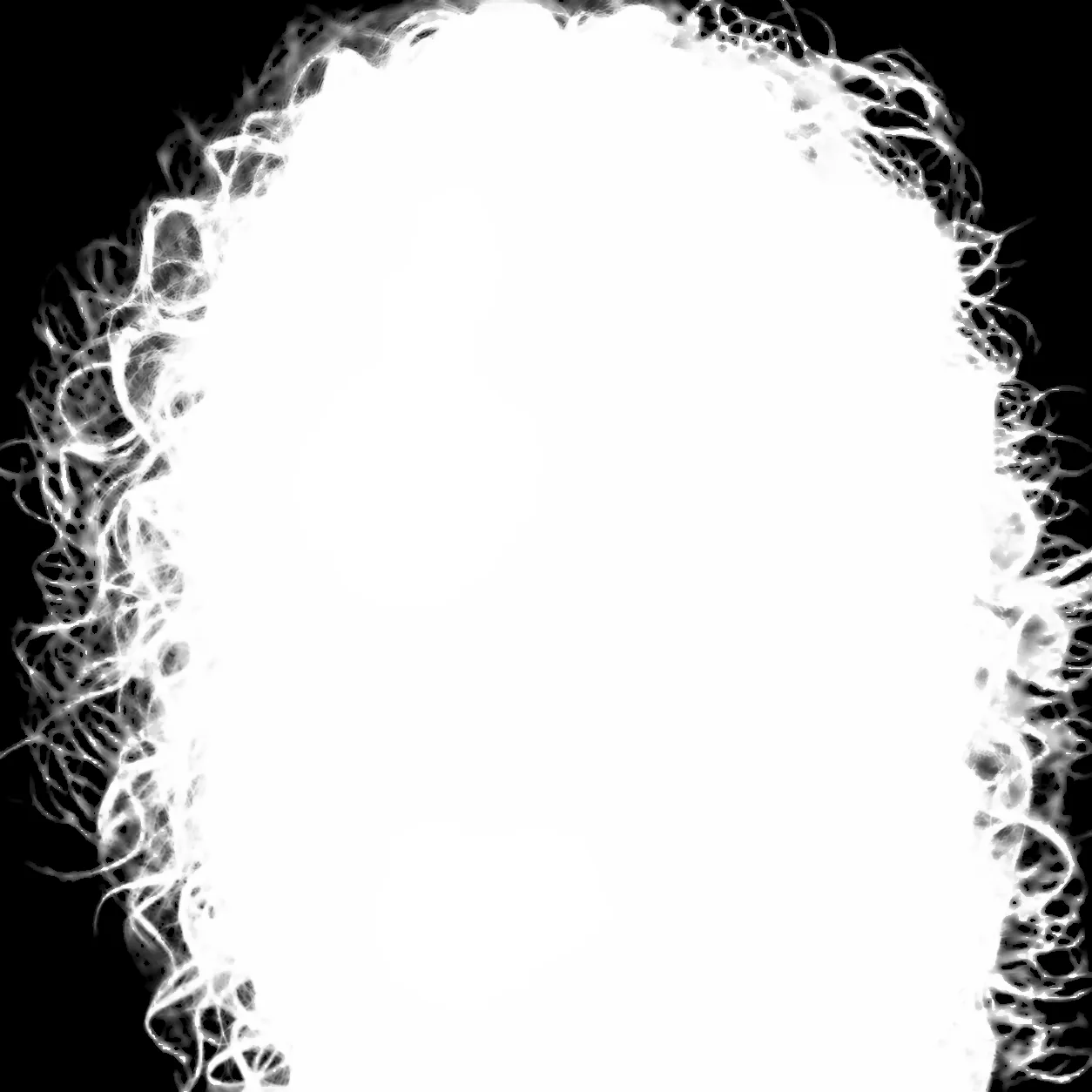
Original
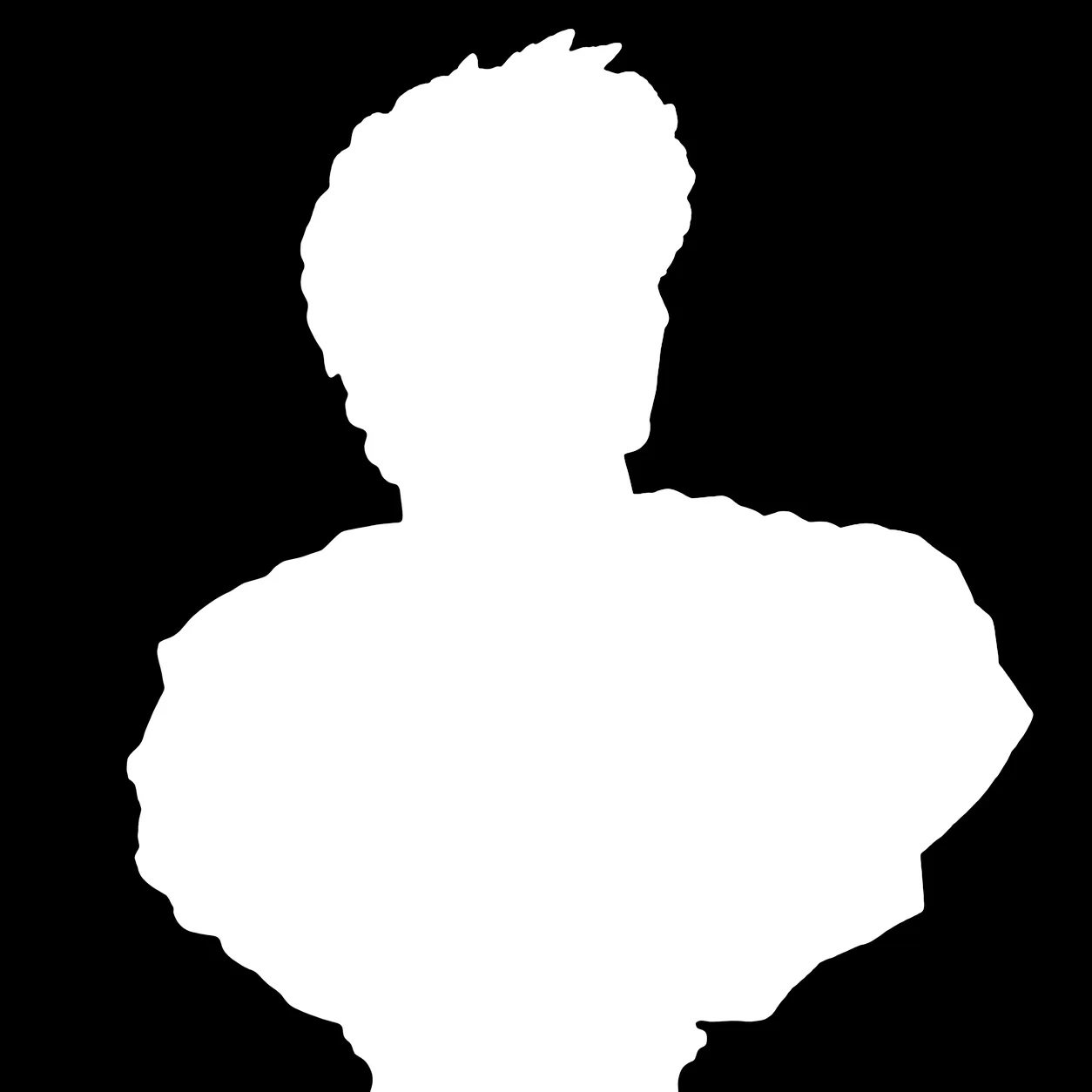
Alpha mask
Cutout

Cutout

Finds the subject and keeps every strand of hair

Upload an image and pick the kind of subject. Standard suits most products and portraits; Fine also removes color spill along the edge, which helps with hair, glass and complex outlines.

  • Separate treatments for hair, hard product edges and soft transitions
  • Shrink, feather and harden the edge in real time
  • Process a whole batch and download it as one archive
Dark studio · contact shadow · floor reflection

Finish

Light, backdrop and color in one pass

Give a cutout a new backdrop and a shadow, set the direction and temperature of the light, then pull it together with a film look. Every change stays editable and the original is always kept.

  • Solid, gradient or image backdrops, or a whole scene made by AI
  • Contact shadows, cast shadows and rim light with live preview
  • Ten looks and a dozen controls, applied to the whole frame or the subject only

The edge is the work.

Drag the handle to compare the original with the cutout. Switch backdrops to check how hair, glass and fine gaps hold up.

Cutout result
Original
Original Cutout

No fixed order.

Start anywhere and finish anywhere. Every operation leaves a new version in the filmstrip, so you can always go back.

A
Product listingProduct shot → white-background hero
  1. Upload photo
  2. Standard cutout
  3. White + contact shadow
  4. Export 1:1
B
Concept posterOne sentence → finished poster
  1. Generate
  2. Cut out subject
  3. AI scene
  4. Grade, export 3:4
C
Portrait retouchPortrait → transparent PNG
  1. Upload portrait
  2. Fine cutout
  3. Warm film look
  4. Export PNG

Built for long sessions.

Modules on the left, controls on the right, the image in the middle. Common actions have shortcuts, and the whole flow works on a phone too.

  • Modular panelsCutout, generation and finishing live in their own panels, with the most used controls first.
  • Non-destructiveAdjustments are stored as settings you can change later, with undo and redo for every step.
  • Version filmstripEach operation creates a new version. The original is always kept and easy to compare.
  • Inspect the detailsA compare slider, mask view and loupe make edge problems obvious.
  • Shortcuts1/2/3 switch modules, hold \ to see the original, Ctrl+Z to undo, Ctrl+S to export.
  • Saved on this deviceYour workspace is kept in the browser, so a refresh never loses your progress.

Pick a plan. Paid credits refresh monthly.

Free credits reset every day at 00:00 UTC. Pro and Ultra credits reset every 30 days. Sign-up bonus credits never expire. Finishing and exporting never use credits.

Credit usage

Fast cutout
1 credits
Standard cutout
2 credits
Fine cutout
4 credits
AI image (by model)
— credits
AI scene
2 credits
GPT scene
4 credits
Finishing and export
Free
  • Secure checkout with cards, PayPal and more
  • Cancel any time, no extra steps
  • Credits are refunded if a job fails

Before you start.

How do credits work?

Each AI operation uses credits. The cost depends on the operation or selected model and is shown before you run it. Finishing and exporting are free. Free credits reset daily at 00:00 UTC and cover eligible fast-channel operations. Pro and Ultra credits reset every 30 days. Unused plan credits do not carry over; sign-up bonus credits never expire.

Do failed jobs use credits?

No. If a job fails or the service is temporarily unavailable, the credits for it are refunded automatically.

Can I use the results commercially?

Yes. Your uploads and results belong to you and can be used in commercial work. Please make sure you have the rights to the images you upload.

Where are my images stored?

Results are sent straight back to your browser. Versions in your workspace are stored only in this browser on this device, and you can clear them any time under Assets.

Which formats and sizes are supported?

You can upload JPG, PNG and WebP up to 14 MB. Export as PNG, JPG or WebP at the original size or a custom long edge.

How do I cancel my subscription?

Open the account menu in the top right and choose Cancel subscription. Your plan won't renew: you keep it until the end of the current billing period, and then your account returns to the Free plan.

Your next idea deserves an image.

Sign up to try advanced image models with welcome credits. Keep creating in your browser.

See pricing